
Remembers what you tell it
Say “remember that…” and it keeps the note, encrypted, on your Mac. Say “forget…” or clear it in Settings.
Voice assistant for Mac
Hold a shortcut and ask out loud. İmleç sees your screen at that moment, answers in voice and text, points to the right spot — and draws a diagram when a picture explains it better.
Not available to download yet. For macOS 14 Sonoma or later; a free plan is included.
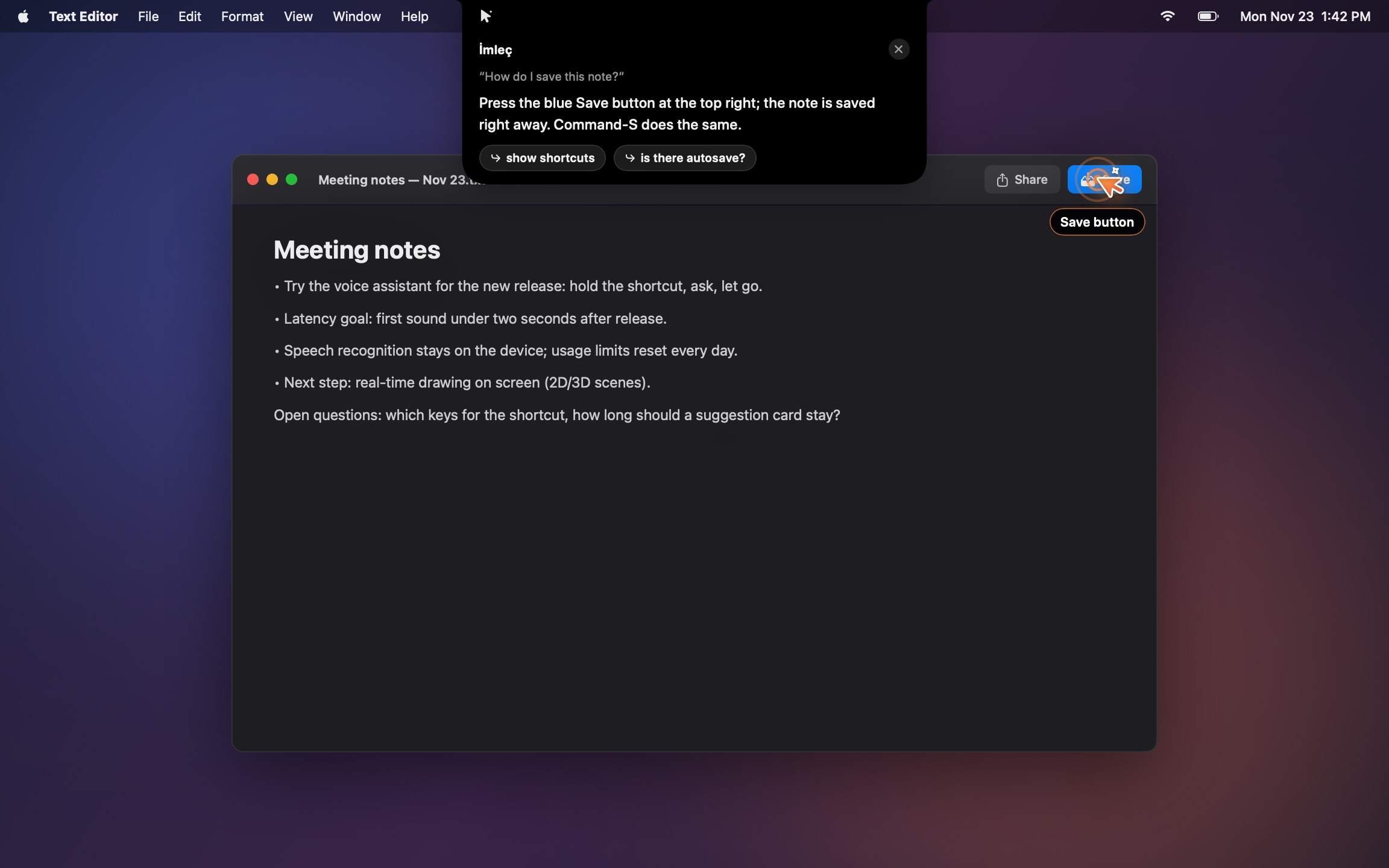
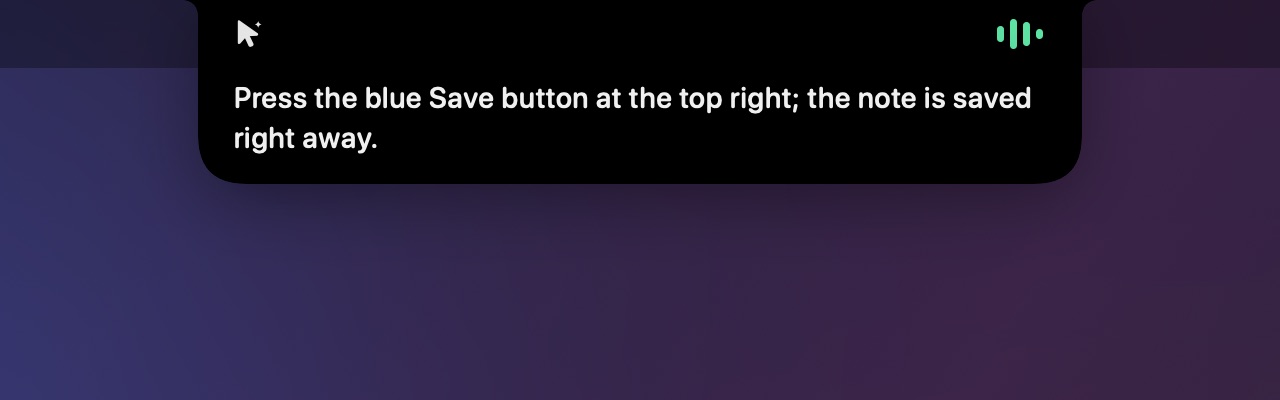
Talk the way you would to someone looking over your shoulder: “what does this error mean?”, “where is the export setting?”, “summarize this page.” The answer appears in a small island at the top of the screen — tucked into the notch on MacBooks, a capsule on other displays — and is read aloud.
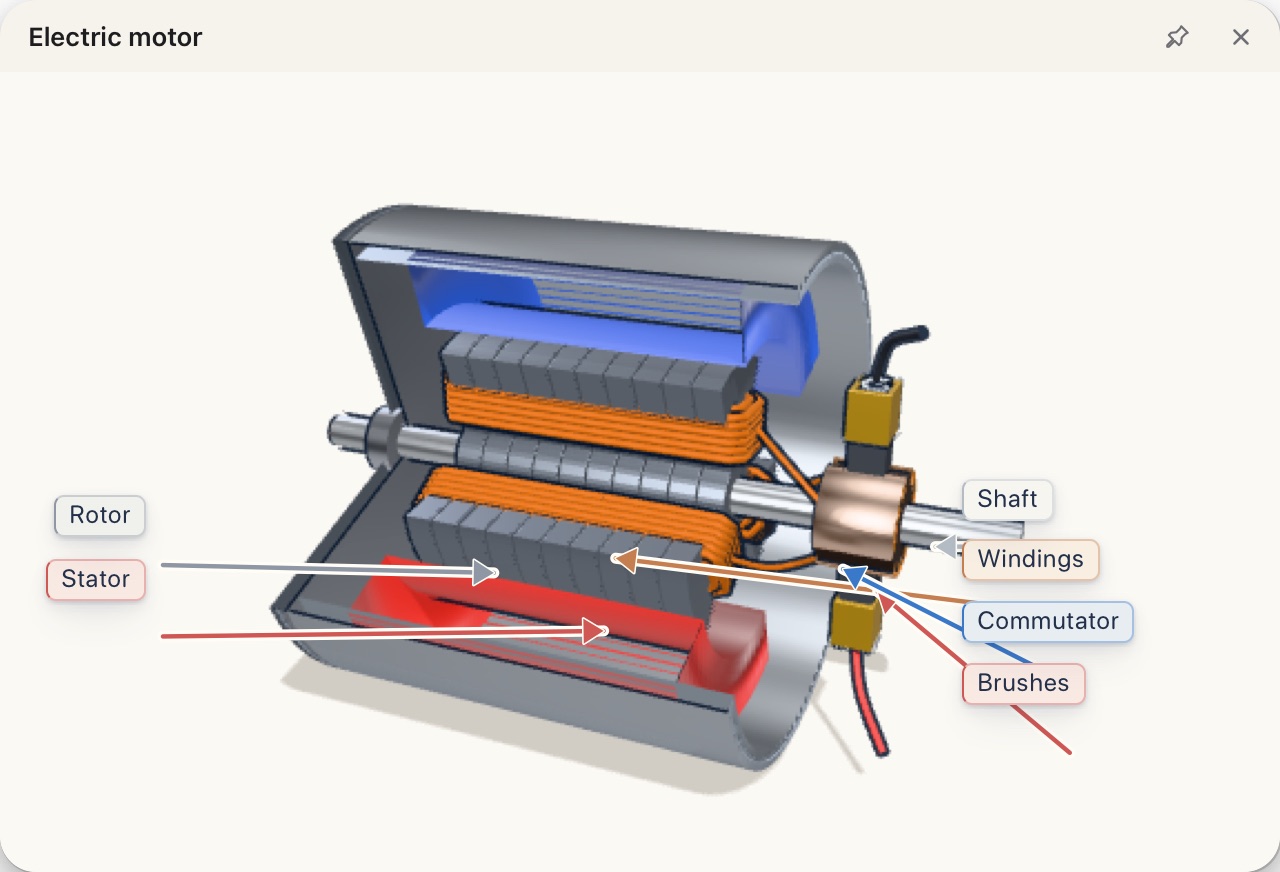
When a picture helps, İmleç sketches a labeled 2D or 3D diagram on a card beside your work and builds it up while it speaks — an electric motor, the heart, a right triangle, a circuit.
Drawings are made by AI and can contain mistakes. You can turn drawing off in Settings.
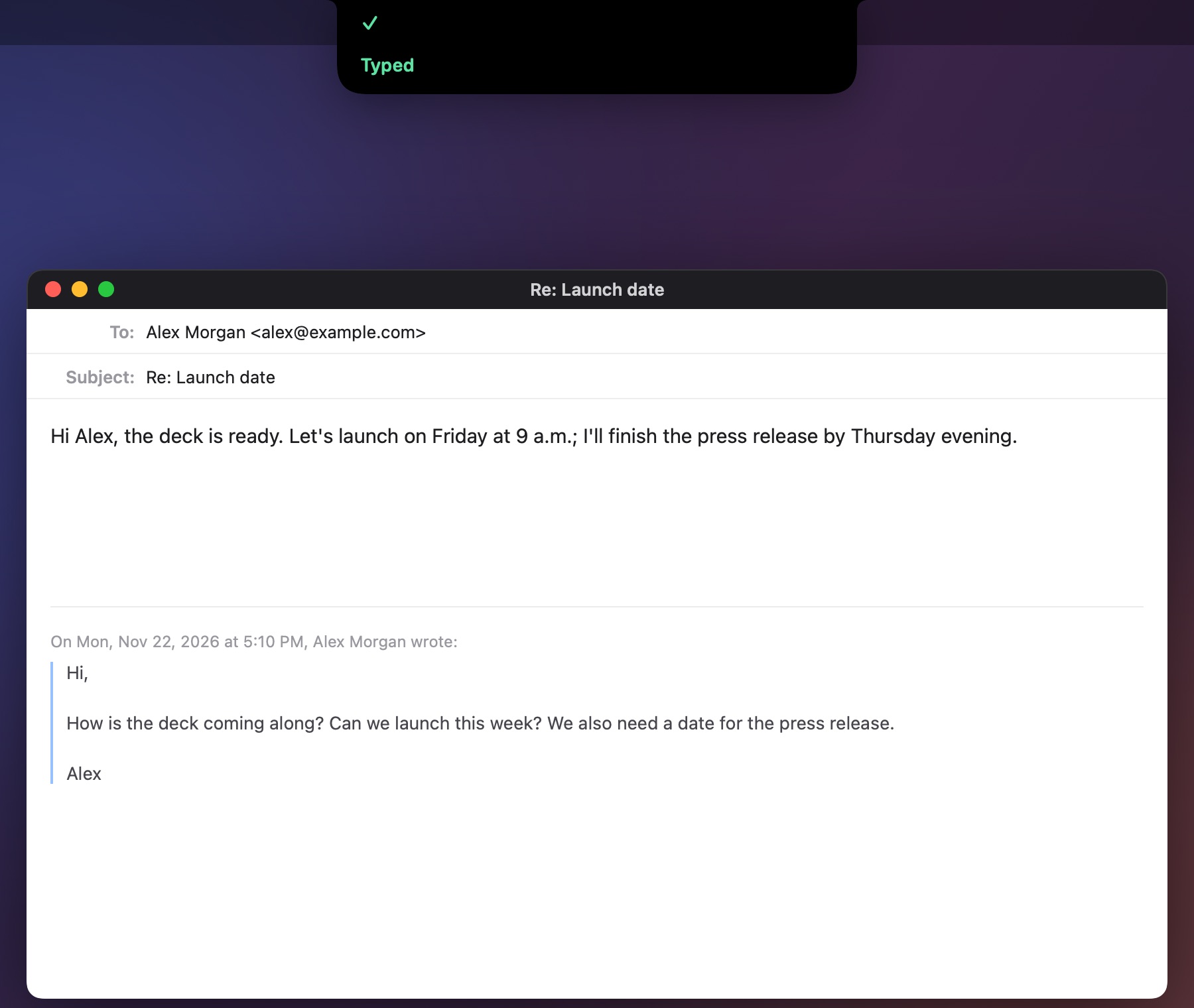
Hold fn + ⌃ Control and talk; İmleç types into whatever text field you are in. Because it can see the screen, it spells names and terms the way they appear there and fixes punctuation.
Prefer plain transcription? Turn the cleanup off: the text is typed exactly as recognized, and nothing leaves your Mac.
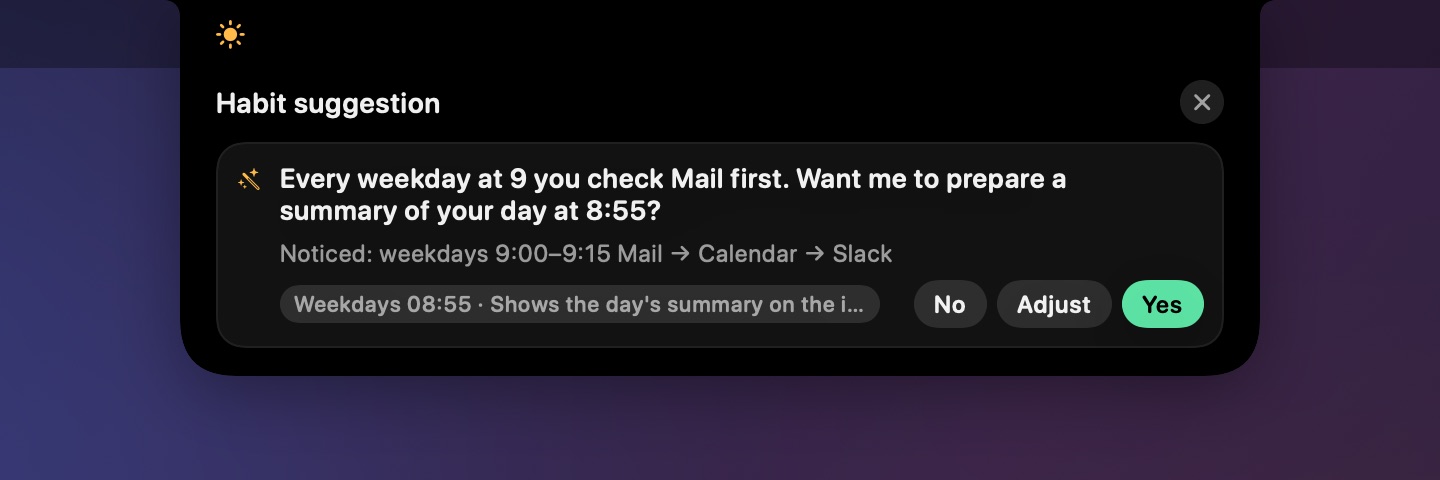
Habit suggestions are off until you turn them on. Then İmleç keeps a private, encrypted log of which apps you use and when — never keystrokes or screen contents — and offers to automate a routine it notices. You answer Yes, No or change it.
Automations run on your Mac: open an app, prepare a summary of your day, remind you, or run a Shortcut. A short list of morning suggestions, based on your calendar (if you allow it) and recent questions, can be turned off in Settings.
Say “remember that…” and it keeps the note, encrypted, on your Mac. Say “forget…” or clear it in Settings.
When a Zoom, Meet, Teams or FaceTime call starts, it asks first. It transcribes on your Mac, never records audio, and ends with a summary, decisions and to-dos.
Ask it to do something on your Mac and it shows each step, never types into password fields and waits for your OK before anything that can’t be undone.
Speech in 17 languages on macOS 26 or later; English and Turkish on macOS 14 and 15. The app’s interface is in English and Turkish.
We are finishing the Mac app. Write to us and we will tell you when it is available.